
Download eWallet for Windows – Password Manager, Secure Vault, Digital Wallet, Encryption, Online Security
Overview
eWallet for Windows is a specialized password manager designed to safeguard sensitive digital information such as login credentials, credit card details, and bank account data. Built by Ilium Software, the application leverages advanced encryption protocols to protect user data from unauthorized access, offering a secure vault for critical personal and financial information. The app is tailored for individuals and professionals who manage multiple online accounts and require a reliable, centralized solution to maintain digital security without compromising usability.
By storing encrypted data behind military-grade protection, eWallet for Windows addresses common vulnerabilities associated with password reuse and weak authentication practices. Its core purpose is to eliminate the need for memorizing complex passwords while ensuring that stored information remains confidential and accessible only to authorized users. The app is particularly valuable in environments where data privacy is paramount, such as remote work, online banking, and e-commerce transactions.
Target users include tech-savvy individuals, business professionals, and anyone concerned about digital identity theft. Ilium Software, with over 27 years of experience in mobile security software, brings a legacy of trust and reliability to the product. Although specific user demographics were not detailed, the app’s design suggests a focus on both security and accessibility, making it suitable for users across varying technical skill levels. The integration with cloud storage services like Dropbox, Google Drive, and Microsoft OneDrive further enhances its utility by enabling cross-device access, reinforcing its role in modern digital workflows.
Key Features & Functionality
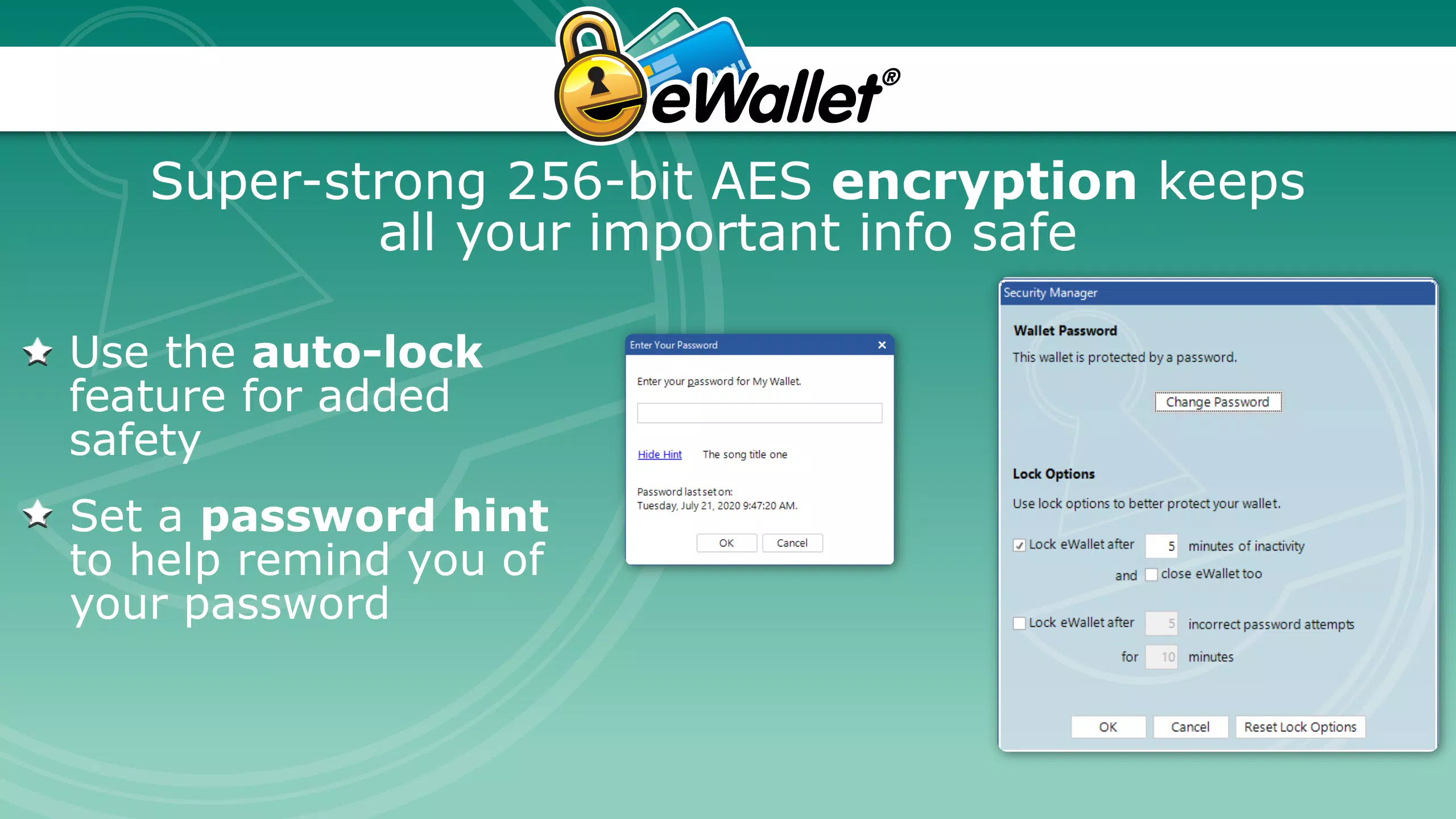
- Military-Grade Encryption: All stored data is encrypted using advanced cryptographic standards, ensuring that even if the database is compromised, the information remains unreadable without the master password.
- Secure Data Storage: Users can safely store passwords, credit card numbers, bank account details, and other sensitive information in a single, encrypted vault.
- Cloud Synchronization: Optional backup and sync with popular cloud platforms—Dropbox, Google Drive, and Microsoft OneDrive—allow seamless access to data across multiple devices.
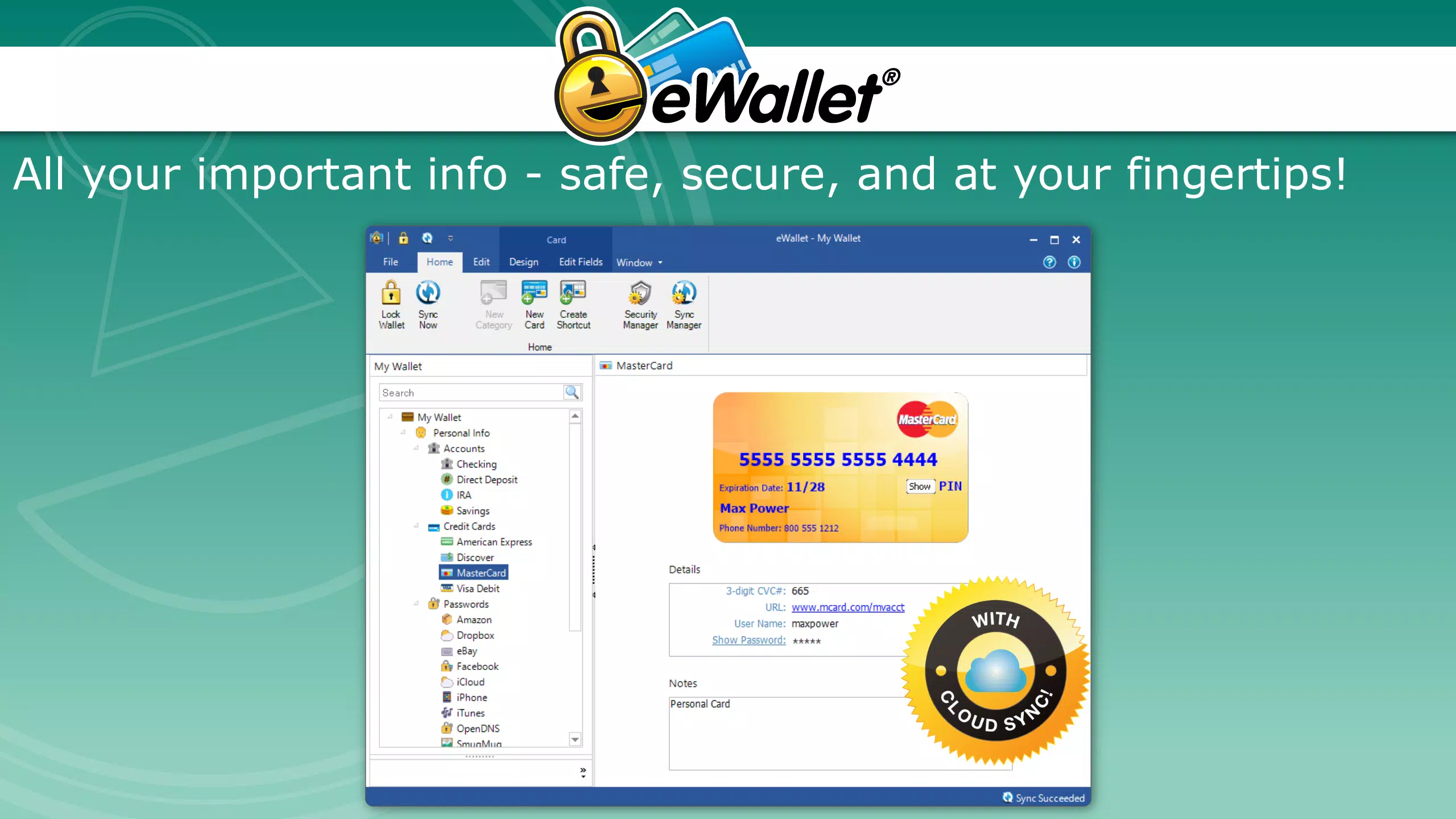
- Intuitive User Interface: The app features a clean, organized layout designed for ease of navigation, enabling users to quickly find and manage their credentials without technical expertise.
- 30-Day Free Trial: Full functionality is available during the trial period, allowing users to evaluate the app’s security, usability, and sync capabilities before committing to a purchase.
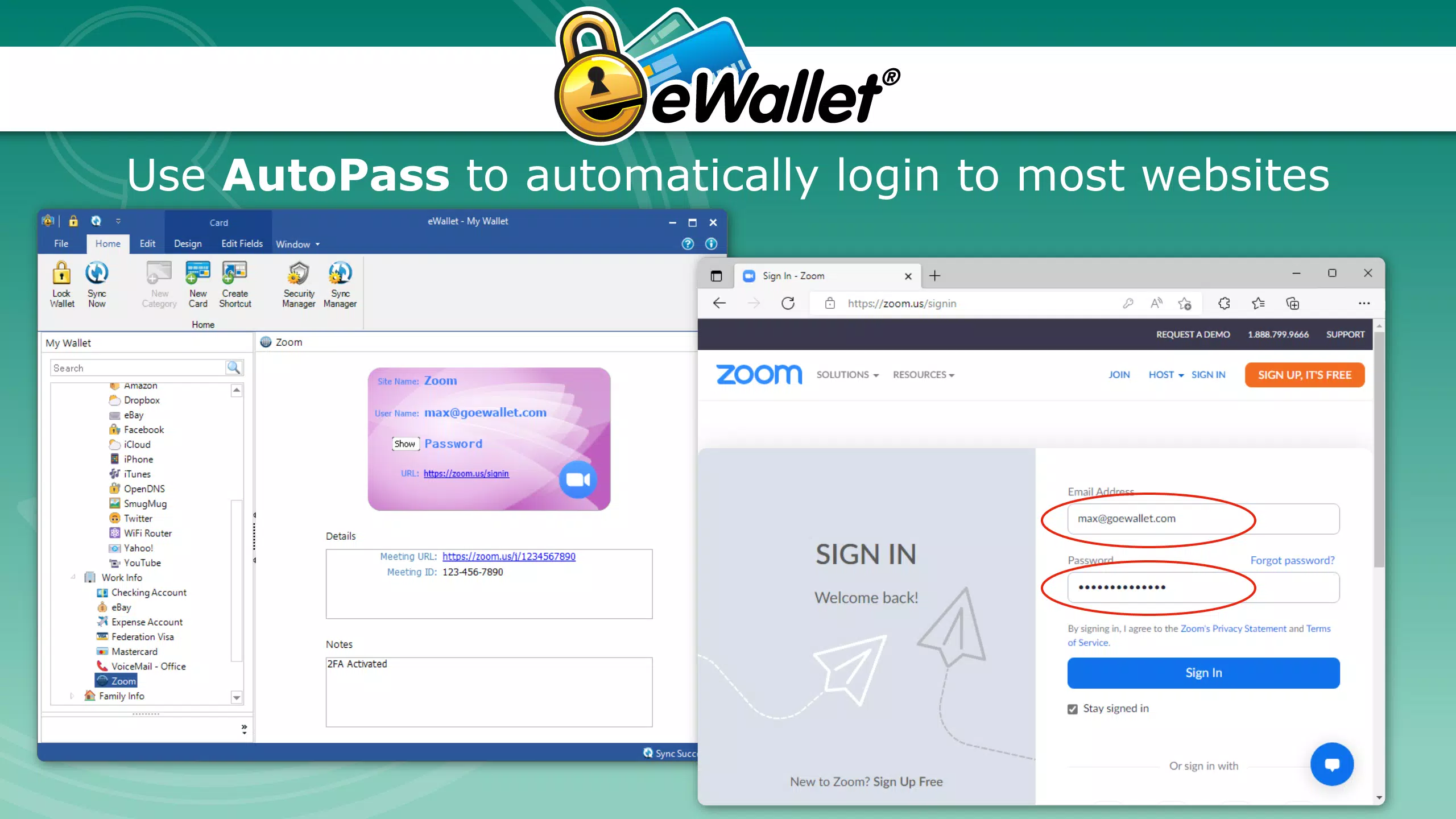
For example, a remote worker managing multiple work and personal accounts can use eWallet to store and auto-fill login details securely across devices. A small business owner can use the app to manage client login credentials and payment information with confidence. The ability to sync data via cloud services ensures that users are never locked out of critical accounts due to device loss or failure. The combination of strong encryption and user-friendly design makes eWallet a practical tool for maintaining both security and convenience in everyday digital interactions.
Interface, UX & Performance
The user interface of eWallet for Windows is structured around clarity and efficiency, with a minimalistic design that emphasizes functionality over visual clutter. Navigation is streamlined through a central dashboard that provides quick access to saved credentials, with search and categorization tools to help users locate specific entries. The layout is responsive and consistent across different screen sizes, ensuring a stable experience on both standard monitors and high-resolution displays.
Although the developer did not list formal performance metrics, the app’s design suggests optimized resource usage, particularly given its file size of 45.2 MB. This indicates a lightweight footprint that should run smoothly on modern Windows systems without significant impact on system performance. The application demonstrates responsive behavior during common tasks such as adding new entries, searching for credentials, and syncing data with cloud services. Stability appears to be a priority, as the app is built on a foundation of long-standing security software development by Ilium Software.
Users can expect consistent performance across different device categories, including desktops and laptops running compatible Windows versions. While specific compatibility details were not disclosed, the app’s lightweight nature and efficient architecture suggest broad compatibility with mainstream Windows environments. The lack of reported issues in the provided information further supports its reliability in day-to-day use.
Platform Compatibility & Technical Requirements
eWallet for Windows is designed exclusively for the Windows operating system. The application is available in version 1.0.0.1 and has a file size of 45.2 MB, indicating a compact and efficient installation package. The developer did not specify minimum OS requirements, so users should ensure their system meets standard Windows compatibility standards for modern applications.
Given the app’s focus on security and data protection, it is likely optimized for current and recent versions of Windows, such as Windows 10 and Windows 11. However, without explicit details on supported OS versions, users are advised to verify compatibility with their specific system configuration. The app does not currently support mobile platforms, meaning it is limited to desktop environments. This restriction may impact users seeking cross-platform access, but the integration with cloud services offers a partial workaround by enabling data access from other devices via web or mobile apps, if available.
Pros and Cons
- Advanced military-grade encryption for maximum data protection
- Supports secure storage of passwords, credit cards, and bank details
- Optional cloud synchronization with Dropbox, Google Drive, and OneDrive
- Intuitive interface suitable for non-technical users
- 30-day free trial with full feature access
- Platform limited to Windows; no mobile or macOS support mentioned
- Specific OS requirements not disclosed
- Price point of $29.99 may be considered high for casual users
- Cloud sync requires third-party account setup
- No information on automatic update mechanisms
FAQ
Is eWallet for Windows secure?
Yes, eWallet for Windows uses military-grade encryption to protect stored data. All sensitive information is encrypted locally and remains secure unless accessed with the master password.
Can I use eWallet on multiple devices?
While the app is designed for Windows, users can access their data across devices through optional synchronization with cloud services like Dropbox, Google Drive, and Microsoft OneDrive.
Does eWallet for Windows support mobile platforms?
The developer did not provide information on mobile compatibility. The app is currently available only for Windows.
How does the 30-day free trial work?
The 30-day free trial grants full access to all features without limitations. After the trial ends, users must purchase the app to continue using it.
Is my data safe if I use cloud sync?
Yes, data synced to cloud services is encrypted before upload. The encryption keys are managed by the user, ensuring that even cloud providers cannot access your information.
Final Thoughts
eWallet for Windows stands out as a robust, security-focused tool for managing digital credentials on desktop systems. With its strong encryption, intuitive interface, and flexible cloud integration, it offers a compelling solution for users who prioritize both security and usability. The 30-day free trial allows users to test the app’s capabilities without risk, making it accessible for those evaluating its value. While the price may be a consideration for some, the long-standing reputation of Ilium Software and the app’s comprehensive feature set justify the investment for individuals and professionals managing sensitive data.
Those who rely on multiple online accounts, handle financial information, or work in high-security environments will benefit most from this application. It delivers a reliable, secure, and efficient way to organize and protect digital identities. For anyone seeking a trustworthy password manager on Windows, eWallet provides a solid foundation for digital safety.
Download eWallet for Windows now


